 FlyTulane
About the project
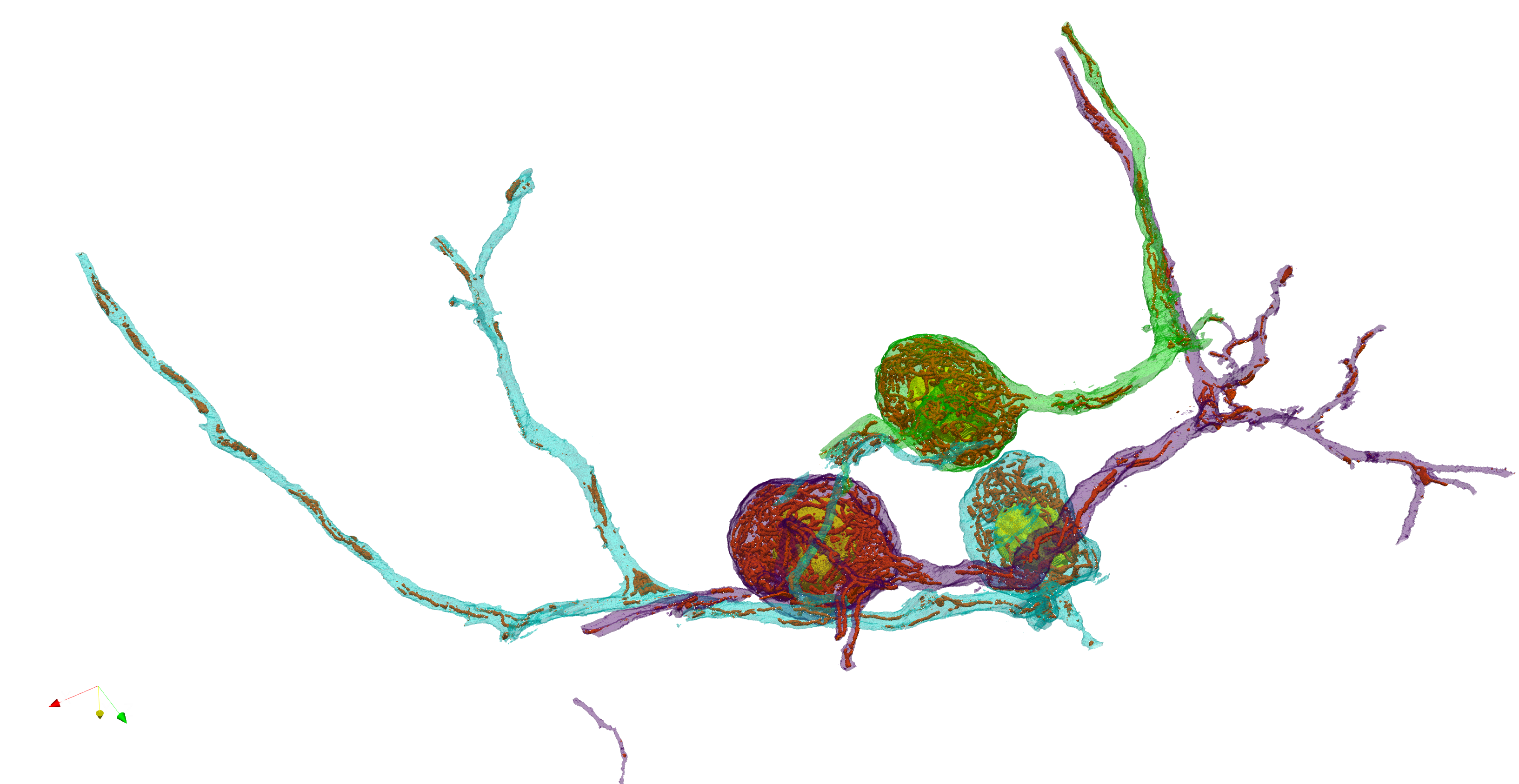
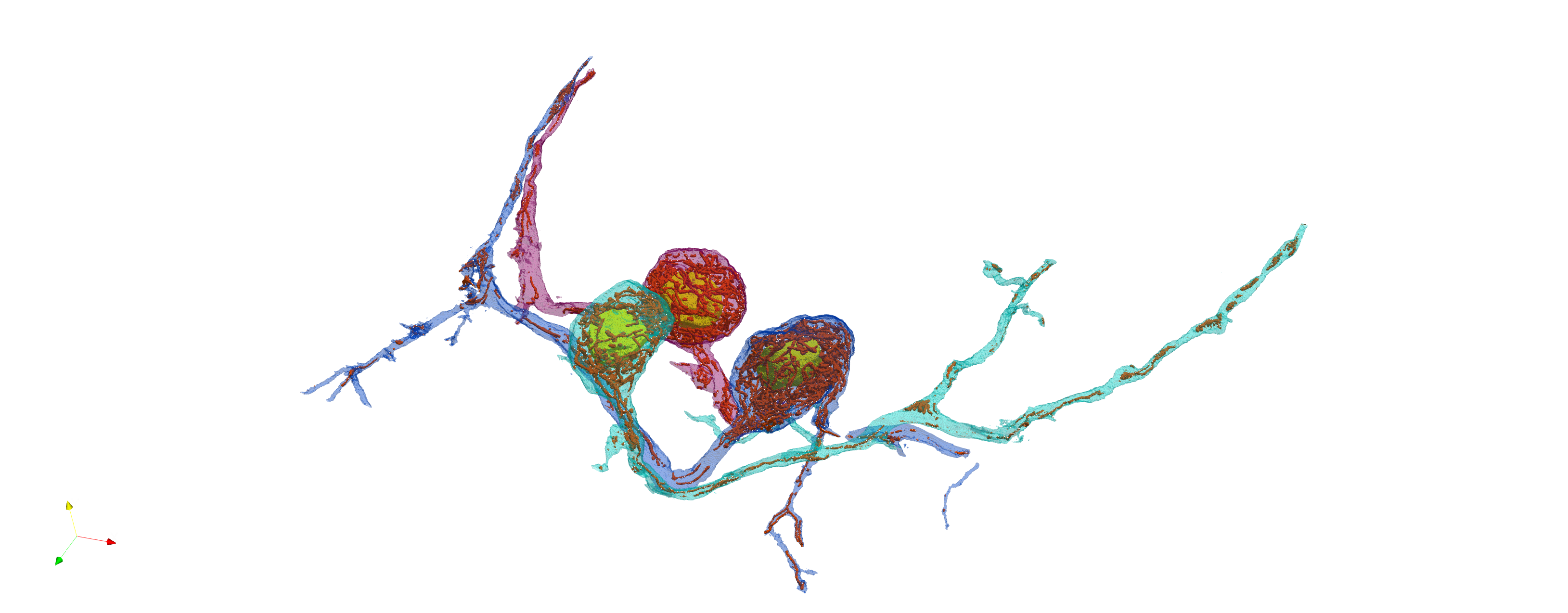
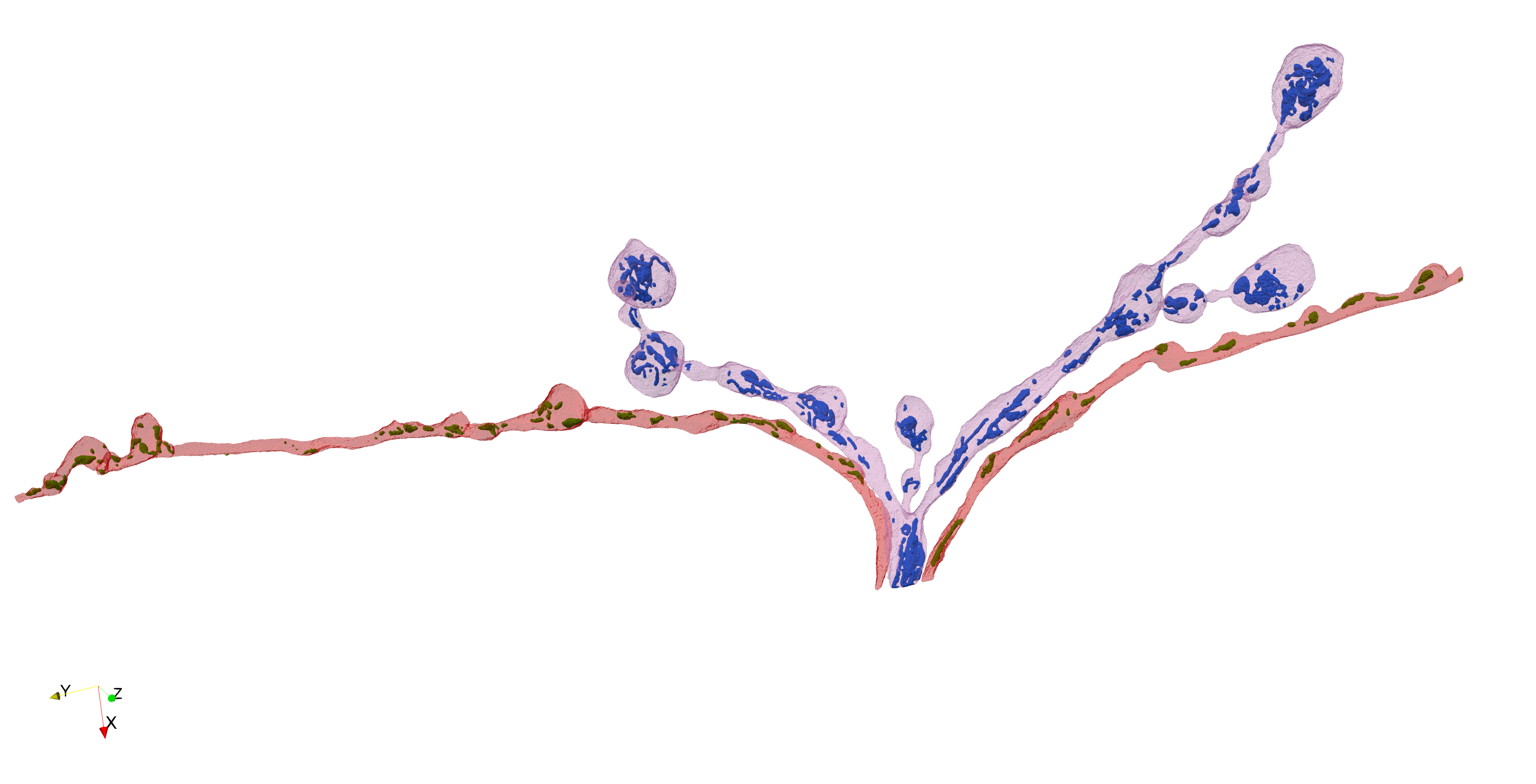
We image entire neurons at nanometer resolution with serial block-face electron microscopy, then apply deep-learning models to segment subcellular structures. Volunteers correct prediction errors; independent edits from multiple annotators are pooled into consensus labels for research-grade 3D reconstructions and quantitative analysis.
Why this matters
By mapping mitochondrial size, shape, and distribution across entire neurons — cell bodies, dendrites, and axon terminals — we aim to understand how nerve cells regulate the placement of their energy sources to meet local metabolic demands.
Why we need you
AI models segment these massive volumes but still misplace boundaries. Human annotators catch subtle errors that algorithms miss. Each small edit brings us closer to accurate, publication-quality reconstructions.
Create an account, then click Get Started above. Open the 3D viewer, click a branch segment, and start proofreading masks frame by frame.
Select Add to paint or Subtract to erase. Adjust Brush size with the slider, use Opacity to compare against the raw EM image. Your changes auto-save. Keyboard shortcuts: A add, S subtract, ← → navigate.
When a frame looks correct, click Approve. Approved items turn green in the progress bar. Multiple independent annotators review each frame to build consensus.
Save often and work in short passes. Use the opacity slider to check edits against the base image. Use arrow keys to quickly move between frames. Assign yourself a segment before editing so your changes are saved.